R^2Studio
R2Studio.RdRStudio in RStudio! Type R code into the input session to execute it in a simulated R console.
See vignette("r2studio") for details on the ROM's inner workings.
Format
A game ROM; see vignette("engine").
Details
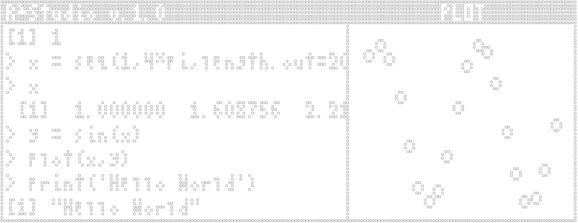
To start, run quickload(R2Studio) and start the input session with inputs.listen() in a separate RStudio window (as usual).
Now, any text entered in the input session will be interpreted as R code in the R\(^2\)Studio console. You should be able to run text-based code as you would in the regular IDE!
Plotting
Entering a plot command will draw the plot inside the game display. All other plotting commands are unsupported.
R2Studio's scatterplots respect several parameters from base::plot():
Settings
The appearance of the console can be changed with a couple commands (entered in the input session like any other code for R\(^2\)Studio).
use.size(width = NULL, height = NULL, plot.width = NULL) resize display or plot window
use.font(font = NULL, kerning = NULL, linespacing = NULL, darkmode = NULL) change or edit console font