Basic Package Usage
guide.RmdWelcome to rcade! This is a package that allows you to
make and play live-input games in vanilla R.
This article describes how to use the package to play games; see
vignette("rcade") for an overview of the package itself, or
vignette("engine") for info on how the games run.
1. How to Play a Game
To play a game, you’ll need two RStudio1 sessions open in separate windows.
One of them, which I’ll call the display session,
will display the game’s graphics; it should be a relatively large
window, and you’ll want to zoom out with cmd - or
equivalent.
The second sessions is the input session and will be where you’ll interact with the game once it starts.
Example: [click to expand]
An example of a good setup: the display session console is large and zoomed out, with the input session accessible.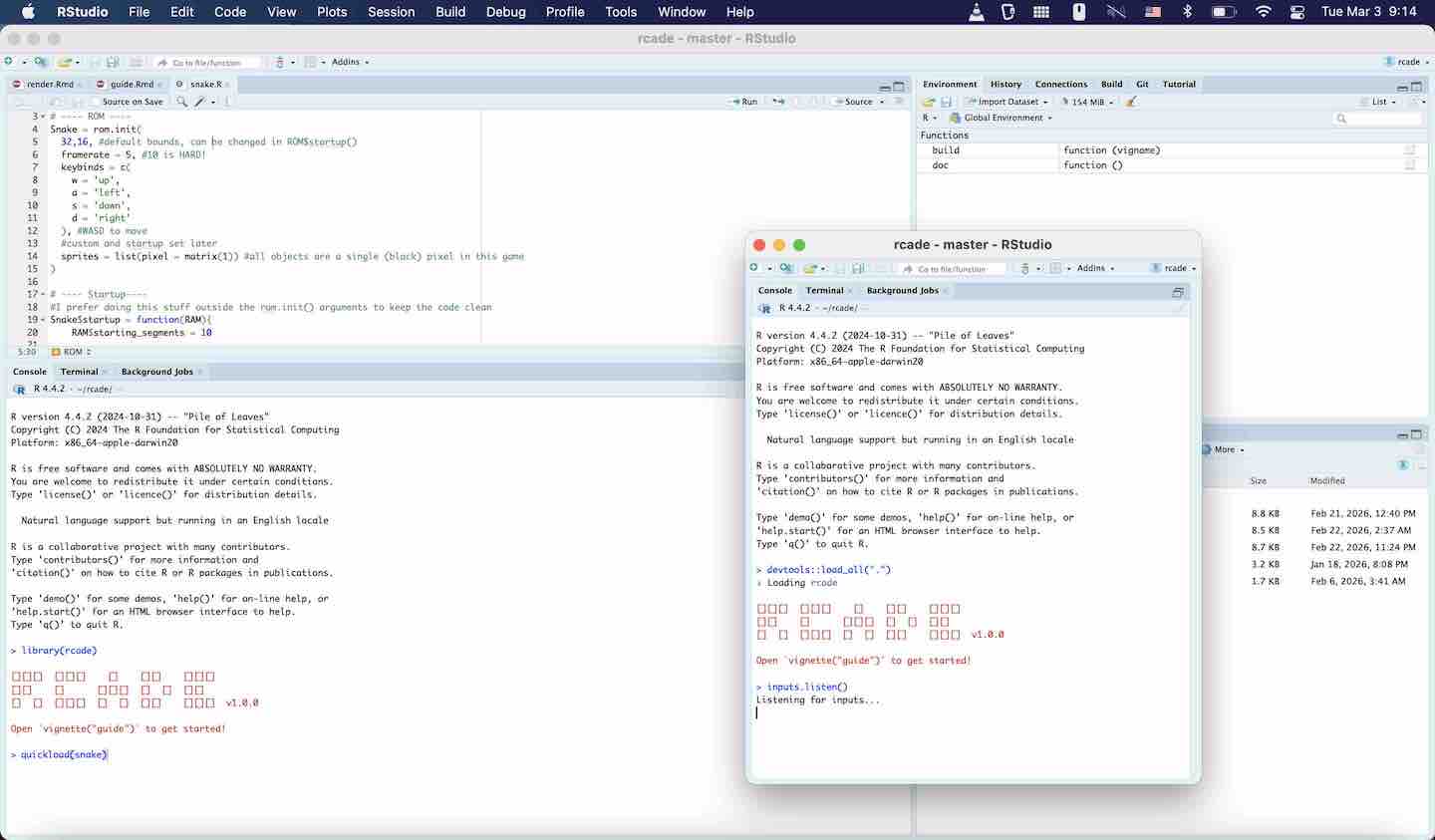
Once you have those two windows open, follow these steps:
-
Both sessions need to load the package with
library(rcade). - In the display session, start the game you want to
play. I recommend
Snake:
quickload(Snake)- Press Enter to skip the dialog and play the game with default settings.
- Then, go to the input session and run
inputs.listen()- You should now be able to enter text in the input session to control the game! Snake uses WASD.
Because of how R works, you have to press Enter
every time you want to send an input. So to turn to the right, you’d
have to press D-ENTER in succession.
Demonstration:
Here’s a demonstration of this process in action. The functions at the start are equivalent to runningquickload(), and then I
drag over the input session and send input with it. 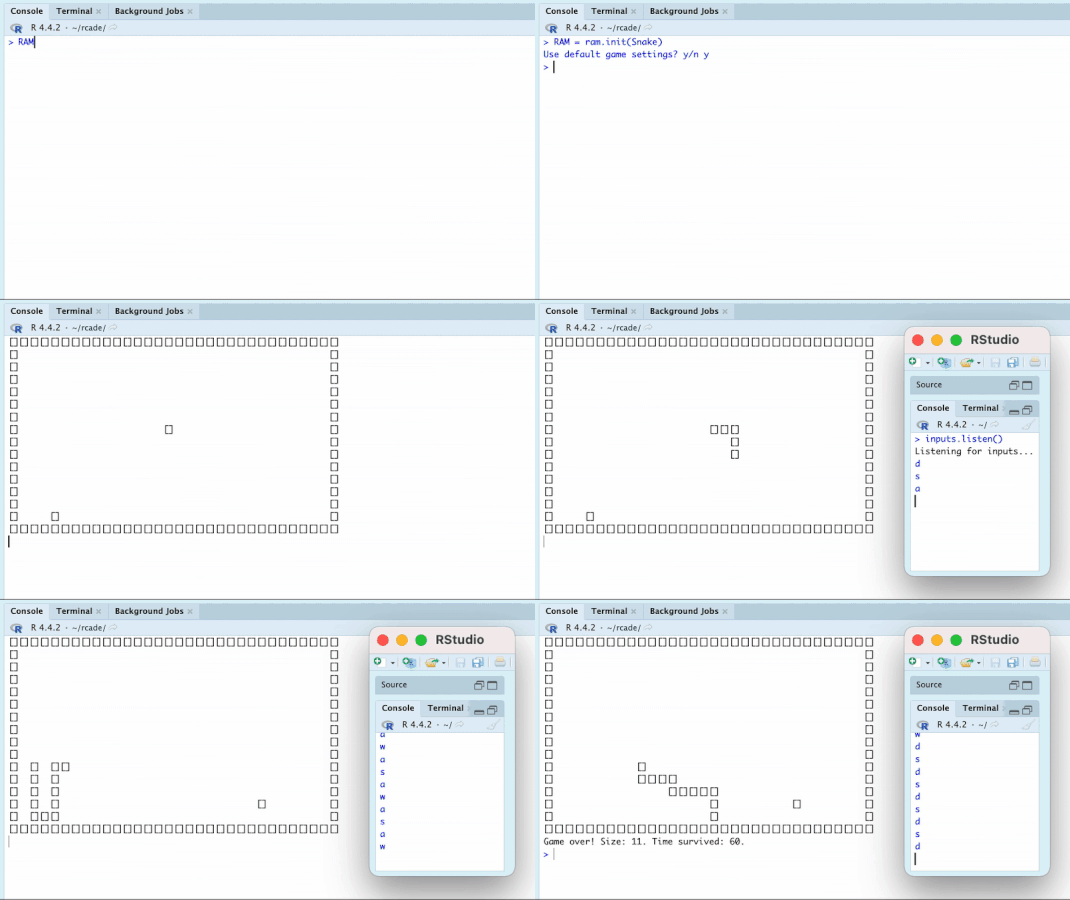
2. Prebuilt Games
Below are the ROMs (games) I’ve made to be included in the package.
To run one, follow the steps above with the desired ROM in
quickload().
You can find more info on these in vignette(rcade).
Snake
quickload(Snake)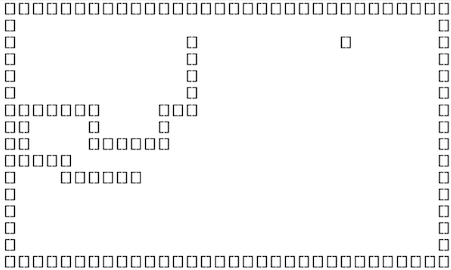
Classic Snake game controlled with WASD. When you load the ROM, you’ll be prompted if you want to use the default settings or change the speed and boundaries of the game.
Bad Apple
quickload(BadApple)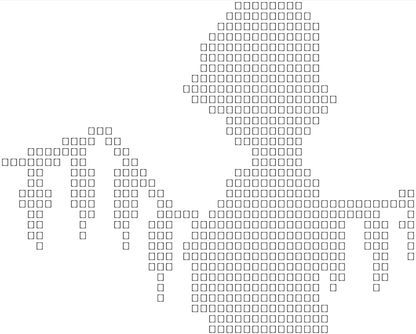
This one isn’t a game, just a tech demo for the graphics engine. Running this will render a video to the console, no input session needed.
R2Studio
quickload(R2Studio)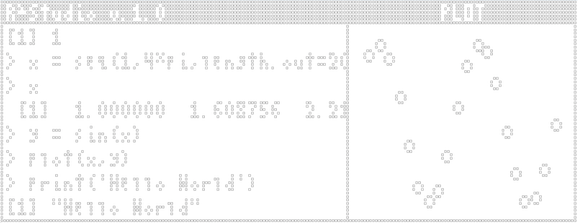
Pronounced “r-squared studio”— it’s a pun on the Pearson r2, and the fact that it’s RStudio in RStudio! Renders a mini console and UI, which you can run commands in like a regular R session. Basic scatterplotting is supported.
3. Making Games
You can make your own game with rom.init();
vignette("Snake") is a full devlog of the process of making
the Snake ROM from start to finish. Once you’ve made a ROM, you can run
it just like the games above!
The other game articles (see vignette(rcade)) go into
more detail about game logic and technical implementations and may be
useful for advanced game development.